Search results for tag #slackware

It includes installation instructions, SlackBuilds, package status, and project documentation.
If you're interested in trying SonicDE on Slackware, have a look:
https://sonicde-slackware.github.io/
Feedback, testing, and contributions are always appreciated.

Slackosundries freshly baked!
A lot of updates this week and ProtonPass as a new addition!
Go get them for your Slackware install as long as supplies last 😎
- Updates 01-Aug-2026
- bottom 0.14.7-1
- brave-origin 1.93.129-1
- filen 3.0.53
- fresh-editor 0.4.6-1
- librewolf 153.0.1-1
- proton pass 1.38.1-1
- vivaldi 8.1.4087.61-1
#slackware #slackosundries
https://codeberg.org/thesaigoneer/slackosundries

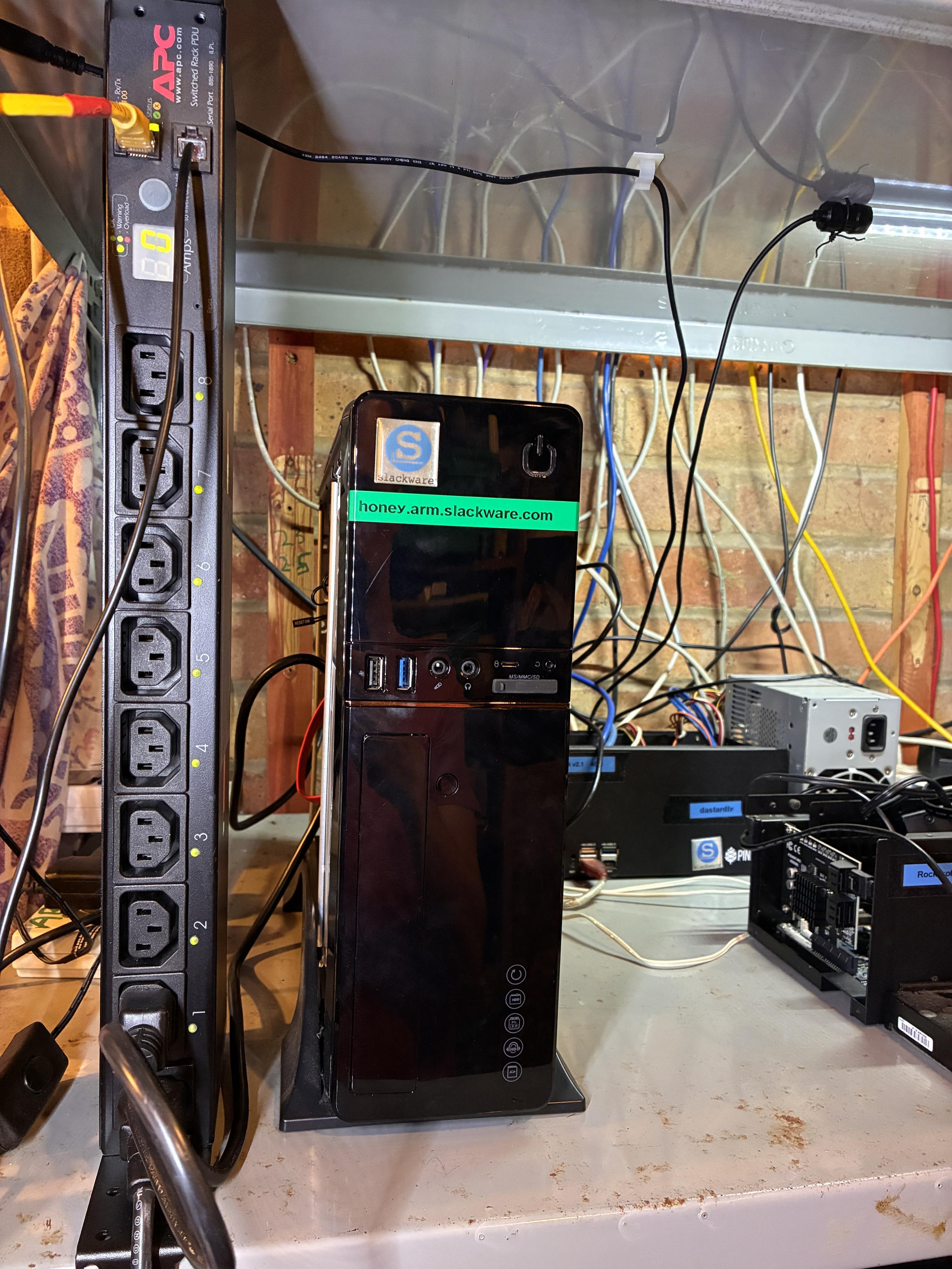
Finally, I can remotely power-cycle the build machines, starting with the master build server, thanks to a remote PDU. 😄
One oddity, though: the current draw reads 0 amps both on the front panel and in the web interface, even while it’s busy compiling packages. According to the HoneyComb LX2 hardware specs, it should typically be drawing around 3A under normal operation. I'll plug some more power hungry kit into it later to see what happens.
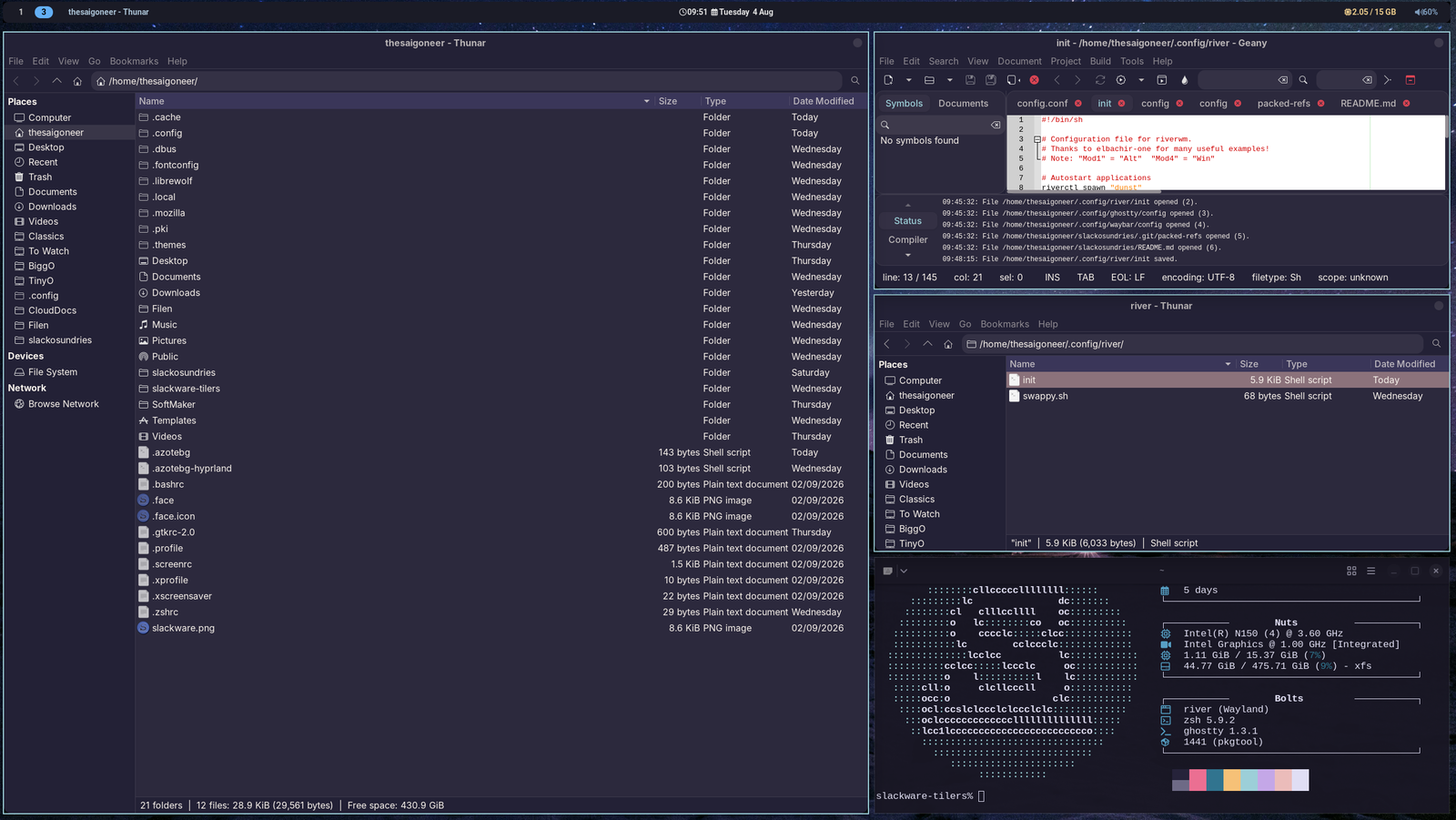
Basically what I want from a wm. No frills, just a bar, a bg, a couple of workspaces, some applications and a bit of color.
River-classic gives me just that.
#slackware #riverwm
Alt...
Multiple windows on river-classic wm, Slackware Current
A minimal and readable system information utility for Slackware, inspired by ufetch.
The normal output and a cowsay -n composition are shown below.
https://forge.slackware.nl/r1w1s1/slackfetch


BTW #Slackware buddies, is there a simple special trick to have #Slackbuilds install in /usr/local rather than /usr?
Like some environment variable to set before running the slackbuild script?
The idea is to keep native slackware fs "sane" and add all extra stuff elsewhere.
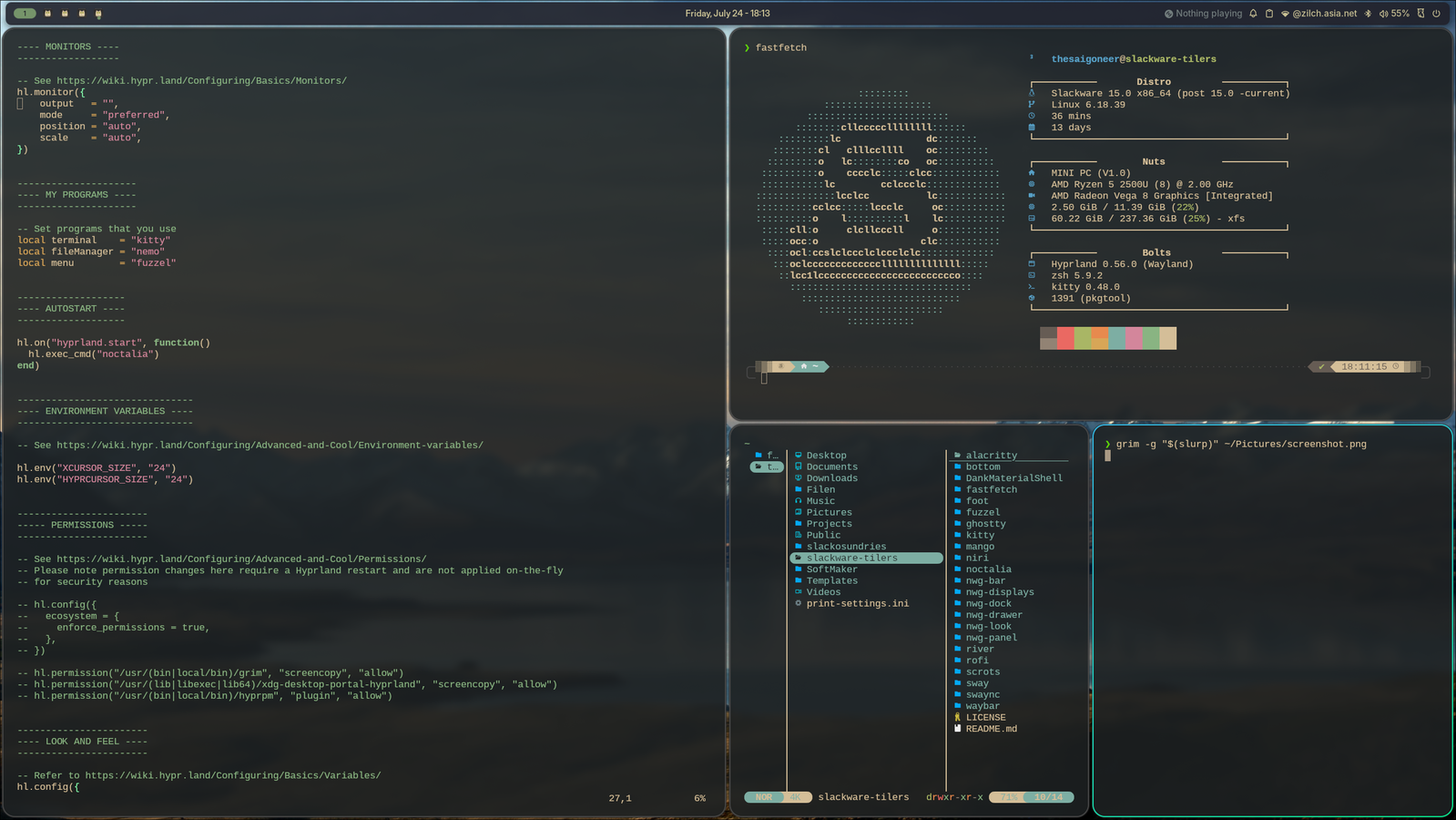
@jloc0 A quick first glance looks like all is good, here is 0.56 running with the latest noctalia shell (thnx for the update). Another great addition. What took me 3 days and didn't work on FreeBSD does in one slacker0ni install on -Current. Thanks for spoiling the weekend 🤣
Alt...
Hyprland 0.56 on Slackware Current, with a fetch and a separate terminal window with yazi. And the latest Noctalia shell beta!
Righting some wrongs.
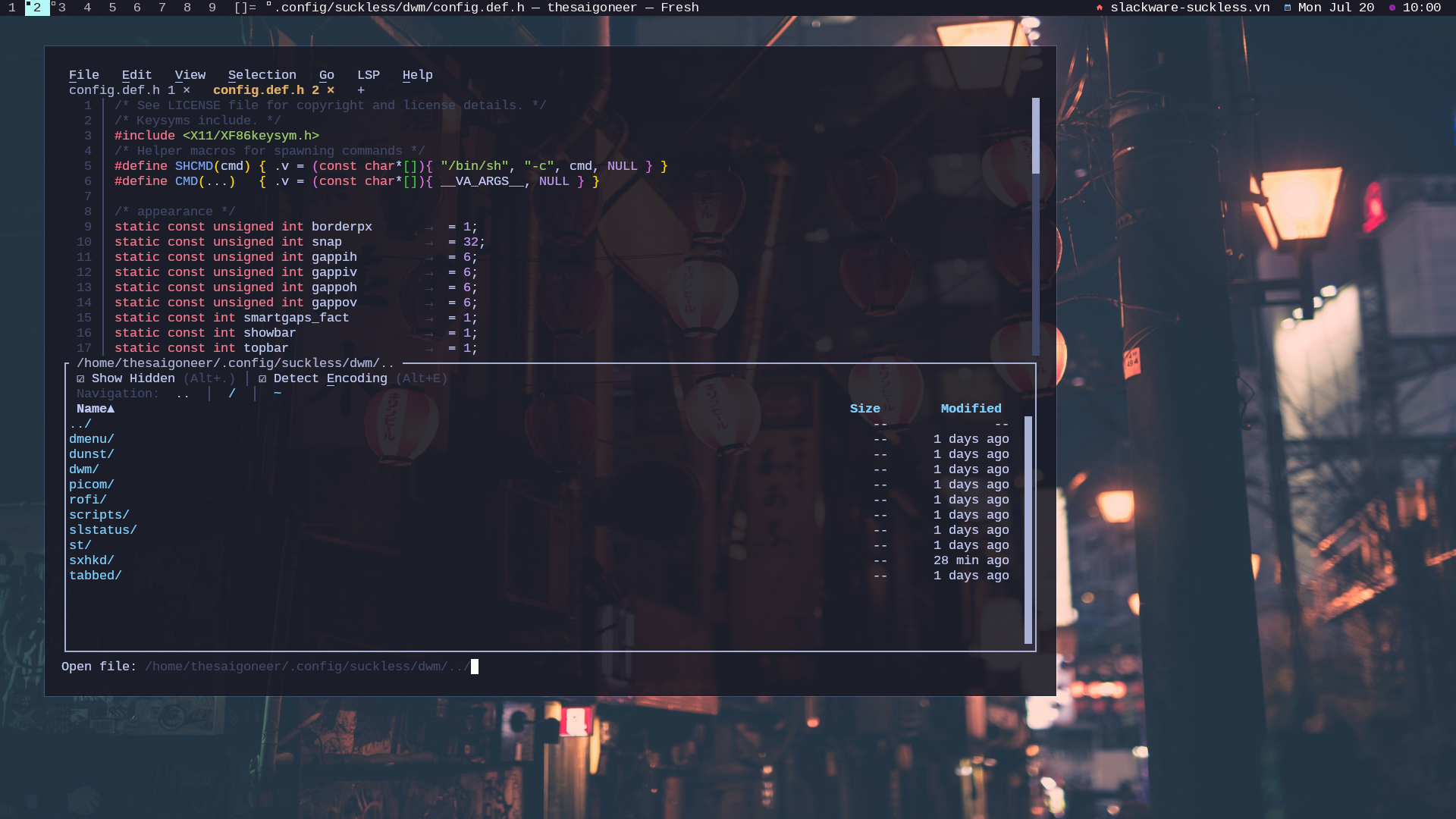
How come I never installed 'plain' Slackware Current with just dwm on my laptop??
Corrected!
Alt...
Dwm on Slackware Current, showing the fresh editor
A unique moment. Having 7 packages in the repo now and they're all updated this week ;-).
One returnee (Brave Origin) and one new entrant: Tixati, the GTK torrent client I've been using for almost a decade now.
#slackware #archlabs #brave #bottom #fresheditor #filen #vivaldi #librewolf #tixati
You can find all here:
I finally published the CWM configuration I use on Slackware-current as a practical example of that approach.
The repository keeps CWM focused on window management, while sxhkd, small shell scripts, and shared .xinitrc components provide a portable desktop workflow that can be reused across different WMs.
Repository:
https://github.com/r1w1s1/cwm-config
Background:
https://r1w1s1.srht.site/posts/window-manager-agnostic-workflows/
The interesting part is that almost nothing in my workflow changed.
I still use dmenu, tabbed + st + tmux, the same helper scripts, and the same keyboard habits. The only thing I currently miss is slstatus, which is tied to my dwm setup.
That was exactly the point of my Window Manager Agnostic Workflows article: when your launcher, scripts, and keyboard layer are independent from the window manager, switching between WMs becomes easy. The window manager changes, but the workflow remains.
Small, simple tools age well.

One nice detail: when nvi was introduced, Elvis was rebuilt to drop its /usr/bin/vi and /usr/bin/ex symlinks, and nvi only provides those symlinks if no other editor already does.
I just added an "NVI ACROSS UNIX SYSTEMS" section to some notes I keep, if anyone's curious:
https://raw.githubusercontent.com/r1w1s1/code-notes/refs/heads/main/notes/NVI_Editor_Guide.txt

I ended up reinstalling, this time without the KDE sets and switching to using FVWM. While KDE is 'nice', I come from using OpenBSD with cwm, so I'm used to my X environment staying out of the way.
For the curious, the old laptop I'm using is my Lenovo X220, or what I consider to be the last laptop with a truly great keyboard.
Two things I noticed right off: no systemd (or related dependencies) anywhere in sight, and LILO.
I've always been irritated by the systemd-ification of the linux ecosystem, so it's always nice when I don't see it, and I've never really understood how to work with GRUB, so LILO is really appreciated!