Search results for tag #openbsd
![[?]](https://assets.merveilles.town/accounts/avatars/110/618/037/889/897/311/original/7685c244dff08111.png)

![[?]](https://mastodon.sdf.org/system/accounts/avatars/000/005/463/original/a54b1acc2e3ae4b1.jpg)
Funnily enough, I was never really into #Debian ... I appreciate the quality of the distro, but... I don't know, too many moving parts, I guess.
I will continue supporting #Slackware I'll look into #Guix and, of course, #OpenBSD and #NetBSD as well as #HardenedBSD .
The line is drawn. It is time to choose your side.
![[?]](https://files.mastodon.social/accounts/avatars/000/217/425/original/03cf681e9e3434ec.png)
The thing I like most about using #OpenBSD is that I never have to think about it.
I sit down to use computer, it works.
![[?]](https://media.bsd.cafe/bsdmmedia01/accounts/avatars/115/015/302/977/472/157/original/42ad1d8b0f4dbf22.png)
 [
[Ooh, looks like constant exposure to the mine, well-formed and curated, Fedi timeline — finally led me to the cwm 
The best window manager is non-existing window manager: no window decorations, hotkeys managed by the sxhkd, menus managed by rofi, nice effects managed by picom; simple X applications to display some necessary info: xclock for time, xbatt for battery info, gkrellm for some system stats.
The more time passed, the more my FreeBSD installation reminds OpenBSD, lol. Doas for privileges elevation, cwm as a window manager, got instead of git, etc 
#FreeBSD #OpenBSD #minimalism #cwm
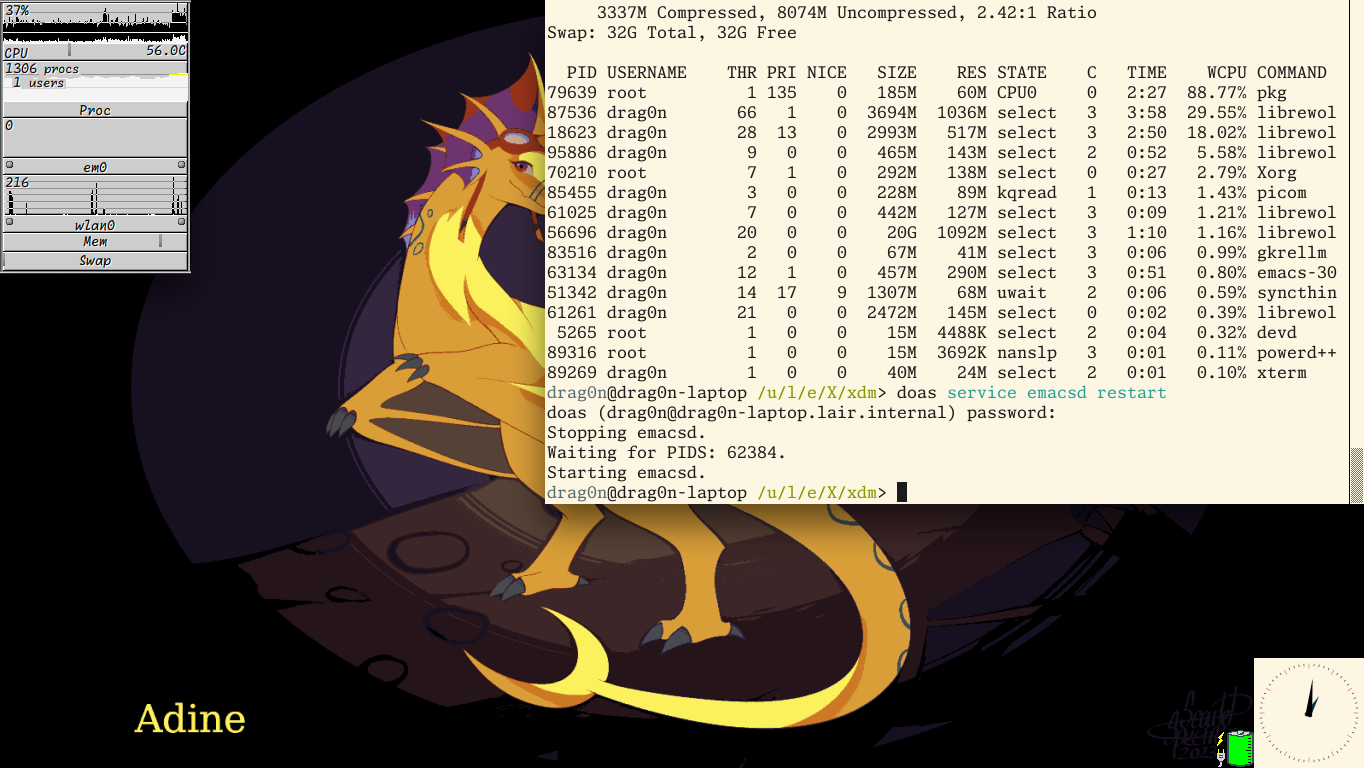
Alt...
Screenshot of my FreeBSD desktop. There are cwm window manager with Adine (from AWSW) at the wallpaper. On the left upper corner there is a gkrellm, displaying some CPU, network interfaces and memory stats; it uses Operational theme. On the right upper corner there is an xterm window with some top output and command to restart Emacs daemon. On the right bottom corner there is a xclock and xbatt windows.
![[?]](https://romanzolotarev.com/logo.png)
like = you run it on server
boost = you run it on desktop/laptop :)
❤️
blast from the past
#technomage #openbsd #windows #comic
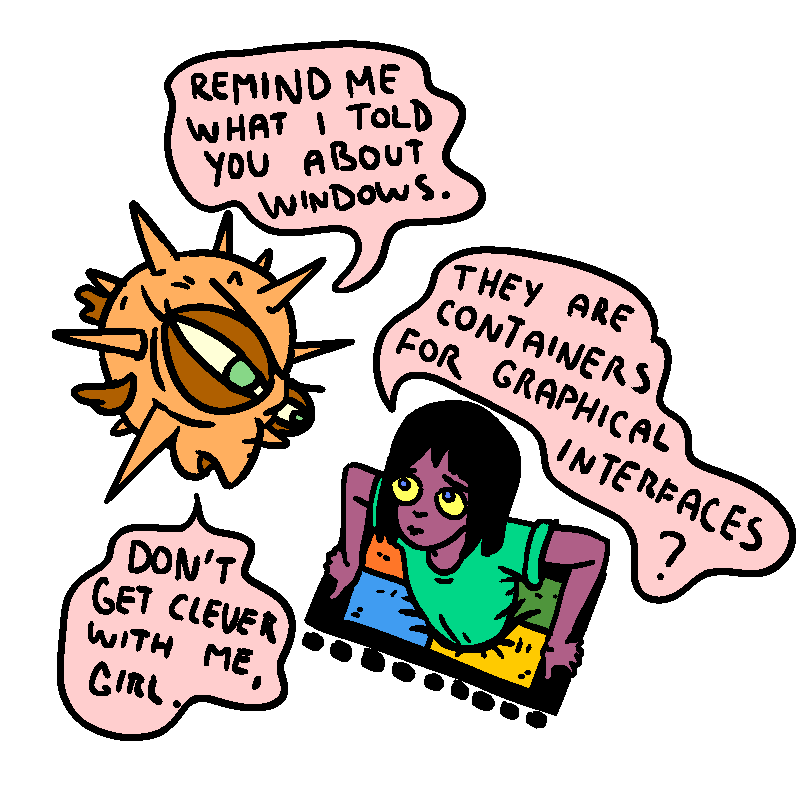
Alt...
girl is stuck in a windows logo
fish :remind me what i told you about windows."
girl: "they are containers for graphical interfaces?"
fish: "dont get clever with me, girl"
- #protectli vp2430 with #openbsd
- #projectaudio dac box s2+
- #tonefactory amp s
- #tonefactory speaker l
- #logitec pebble 2 combo
- #samsung frame tv
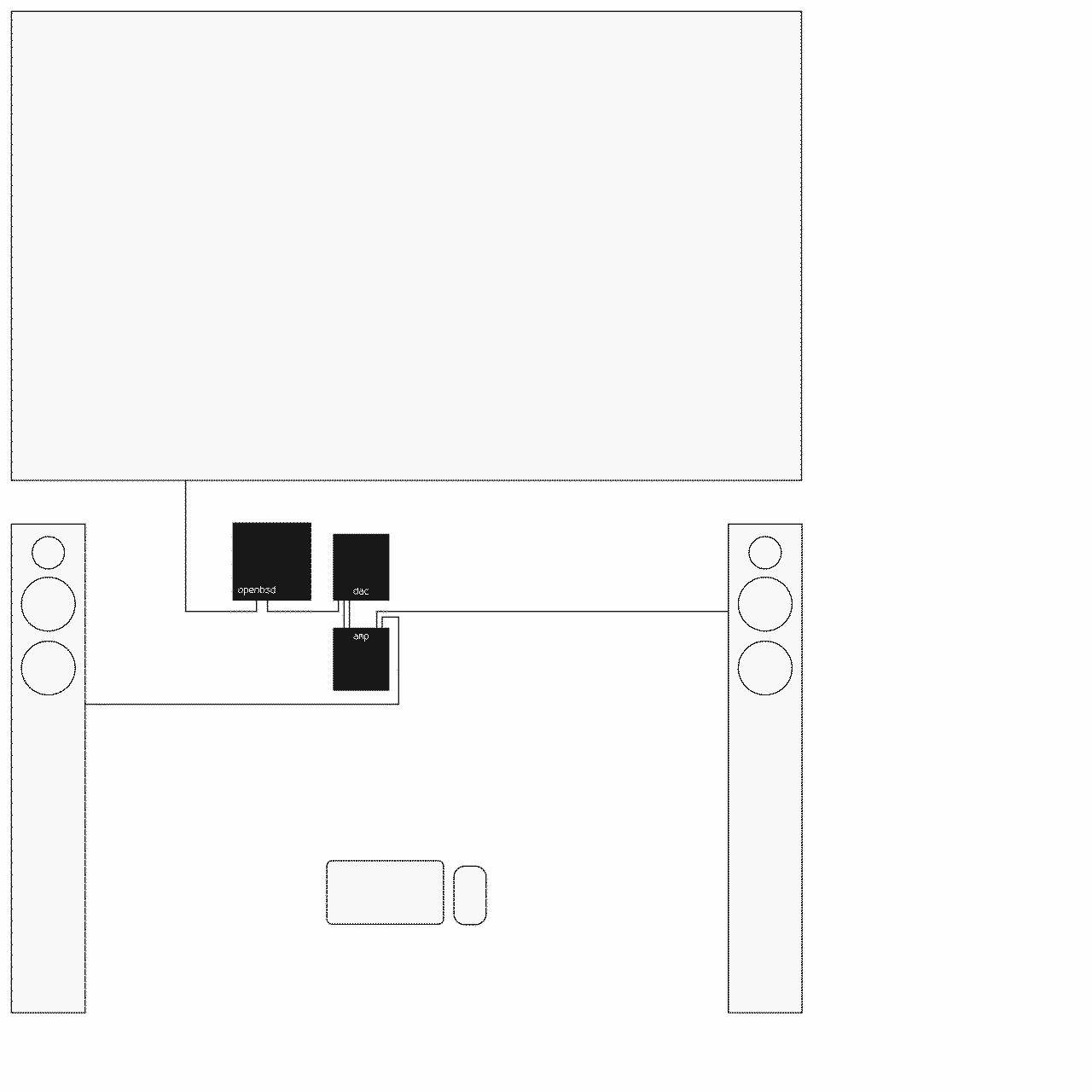
Alt...
line diagram of my media player setup: tv, openbsd server, dac, stereo amplifier, speakers, keyboard, mouse
then i discovered that openbsd doesn't support audio over hdmi and my openbsd server doesn't have analog audio output, obviously.
my tv had been connected to a stereo amplifier anyway, so my setup is actually even better now: a dedicated usb dac connected directly to the amplifier.
current setup:
openbsd -- usb dac -- amp -- speakersnext up: make everything more user-friendly or teach my family how to use the command line ;)
openbsd -- hdmi tv
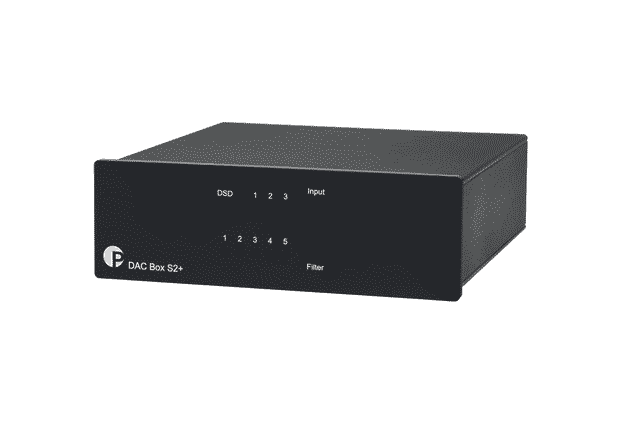
Alt...
dac box s2+
![[?]](https://snac.bsd.cafe/r1w1s1/s/avatar-aa8cf9fe6484f5e6eb3532137b7b8fee.png)
I finally published the CWM configuration I use on Slackware-current as a practical example of that approach.
The repository keeps CWM focused on window management, while sxhkd, small shell scripts, and shared .xinitrc components provide a portable desktop workflow that can be reused across different WMs.
Repository:
https://github.com/r1w1s1/cwm-config
Background:
https://r1w1s1.srht.site/posts/window-manager-agnostic-workflows/
I particularly liked this sentence:
"cwm is the only one amongst the minimalist window managers that has managed to make me think the least."
Whether you agree or not, it's an interesting way to think about window managers—not in terms of features, but in terms of cognitive load.
Worth the two-minute read.
https://williamjansson.com/posts/cwm/
ESS9038K2M 32-bit
up to dsd256, pcm up to 32b/768kHz
it detects the intel hd audio and attaches azalia(4), but only the internal realtek alc257 codec is found.
there is no hdmi audio codec, no audio1, and mixerctl -a only shows the internal speaker/headphone outputs. the external display works over hdmi, but there is no way to select hdmi audio because no hdmi audio device is detected.
is hdmi audio expected to work with openbsd 7.9? if it should work, are there any additional diagnostics steps i should try?
similar to this setup, but with a trackpad not a mouse...
any ideas?
now i'm looking for m.2 modules (lte/5g and wifi ap) compatible with #openbsd. any recommendations?
It's a fantastic look at early incident response, code auditing, and how OpenBSD handled one of the first major software supply-chain attacks.
Definitely worth a read:
http://miod.online.fr/software/openbsd/stories/trojan.html
![[?]](https://snac.bsd.cafe/passthejoe/s/avatar-3095aef94f222e1594810481e9365920.jpg)
All right, you weirdoes, time to update ALL THE THINGS to the new version of #OpenBSD!
ALL THE THINGS! 
LONG HAUL \\ HAPPY ANNIVERSARY, OPENBSD!
#unix_surrealism #comic #openbsd #technomage #runbsd
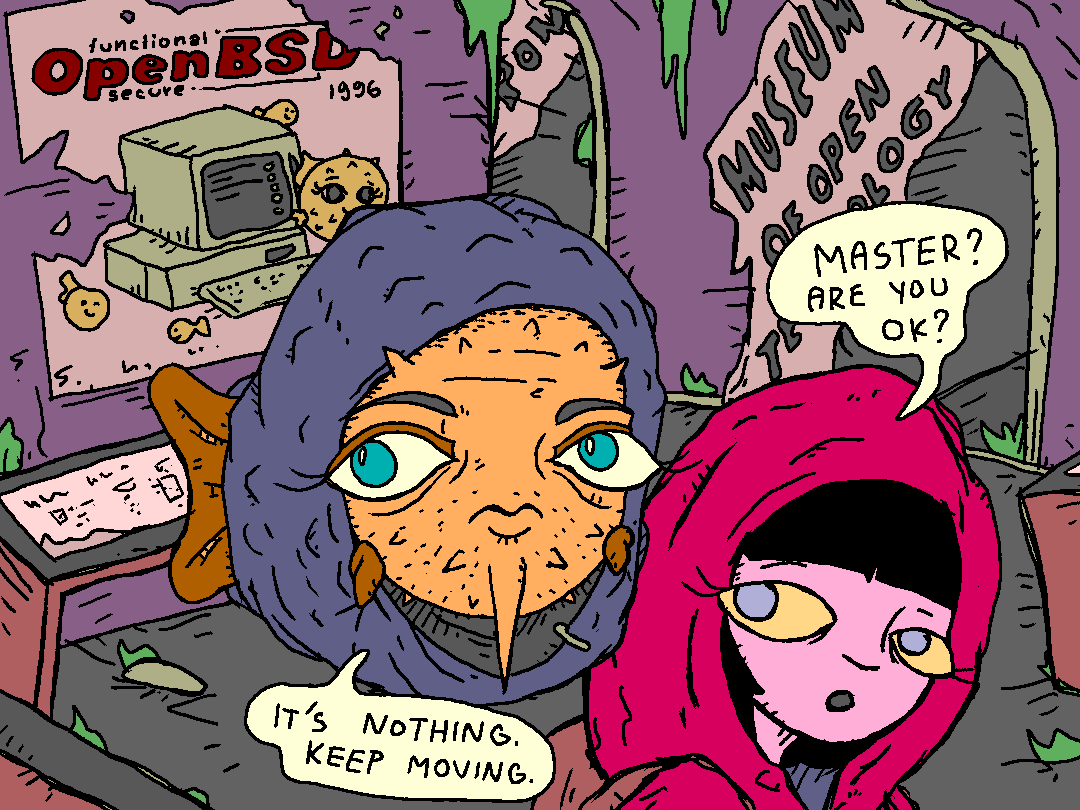
Alt...
Fish and Girl are looting the Museum of Open Technology.
Fish spots an old poster dated 1996.
![[?]](https://snac.smithies.me.uk/justine/s/avatar-270304302821a87b50026a5768a00c56.png)


Alt...
A Unix Surrealism drawing of Fish ( Puffy ) and Girl who is on her laptop wearing pyjamas with Fish ( Puffy ) images all over them and the text They're all like "Year of the Linux desktop" then they see fish pyjamas and now they don't know what to think